


One of our sales representatives will contact you shortly.
Most engagement programs fail for one simple reason: you ask the audience to work. The moment you say “open a new tab” you split attention. The moment you say “scan this code,” you create a drop-off. The moment you say “download this app” you lose anyone who feels even mild resistance.
Your audience already runs two heavy tasks:
Comprehension (following the speaker’s logic)
Social evaluation (deciding what’s safe to say, what’s worth doing, whether they look foolish)
A second-screen tool adds a third task:
3. Navigation (finding the tab, entering a code, syncing the right session, returning to the talk)
Navigation feels small to organizers. It feels disruptive to humans.
Participation dies when the interaction competes with the content. People do not “multitask.” They rapidly switch, and every switch taxes working memory. That tax shows up as silence.
“In the video player” can mean two very different things:
A link beside the stream that opens something else
A native overlay that keeps the viewer anchored
InEvent uses the second approach.
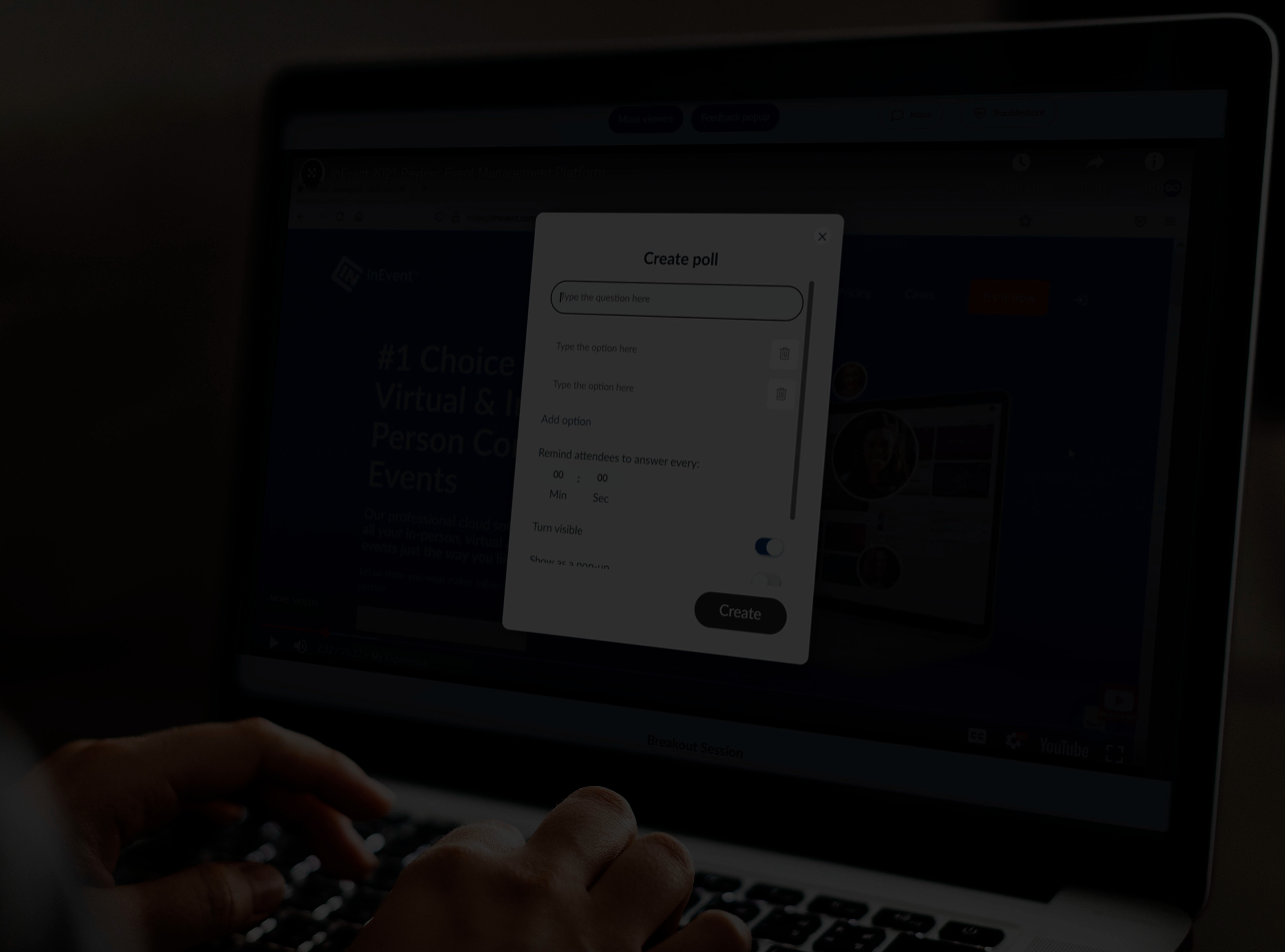
InEvent places Live Q&A and polls as a native overlay inside the viewing experience. When you trigger a poll, the poll appears over the video. When an attendee asks a question, they stay in the same environment. They do not hunt for the right tab. They do not re-auth. They do not lose the speaker’s thread.
That design creates a measurable behavioral result: more people complete the action because the action requires less effort.
Second-screen tools often require at least one of these:
Join codes
QR scans
Separate login
Session switching
Tab switching
Device switching
InEvent removes that entire chain.
Poll prompt appears. The attendee votes. The overlay closes. The attendee stays with the speaker.
That’s the correct rhythm for engagement:
Prompt
Action
Return to content
No wandering. No dropout.
Mobile audiences behave differently:
They hesitate to switch apps because it breaks the stream
They fear losing the live moment
They fear they won’t find their way back
InEvent keeps engagement in the same mobile environment. Attendees vote, react, and submit questions without “leaving” the event.
Audiences do not jump from passive viewing to asking a brave question. They climb a ladder:
Low-risk action: tap a poll option
Medium-risk action: upvote a question
High-risk action: submit a question under their name
Native overlays help you move people up that ladder because each step feels easy.
Live Q&A software is a digital engagement tool that allows event attendees to submit, upvote, and discuss questions in real time during a presentation. It empowers moderators to filter content and prioritize the most popular topics, transforming passive viewing into an active dialogue.
Yes. Live Q&A increases engagement because it turns passive viewing into a decision cycle: attendees listen, form an opinion, and act by submitting or upvoting questions. When the tool lives inside the player, more attendees participate because they avoid tab-switch friction.
If you want consistent interaction, build it into the show, not the footer.
Trigger a poll in the first 3 minutes to normalize tapping.
Display “Upvote questions you want answered” early so people learn the mechanic.
Ask one “easy win” question first (low effort, high confidence).
Use the results on air so the audience sees immediate payoff.
InEvent supports that pattern because the interaction stays anchored to the stream.
Every serious producer shares one fear: the wrong message going public.
You do not run live engagement without control. A single offensive post on a public screen can damage the speaker, the brand, and the event.
Common failure modes:
A troll posts hate speech and the tool displays it immediately
A competitor spams product links
An attendee doxxes someone in a “question”
Someone posts a “joke” that becomes a screenshot
The more visible the event, the more you need moderation as a system, not moderation as a person clicking fast.
InEvent routes submissions into InEvent Moderation Queue before anything appears live.
Workflow: Attendees submit questions → moderators review in queue → moderators approve/reject/merge → only approved content appears live.
That workflow prevents public exposure by design.
In serious events, moderation is not customer support. Moderation is editorial.
InEvent supports that editorial workflow:
Keep questions private until approved
Merge duplicates to reduce noise
Promote the best questions to the top
Remove or hide content instantly when context changes
Upvoting works when it solves one problem: priority sorting at scale.
InEvent lets the crowd signal what matters. The system surfaces top questions so moderators and speakers spend time where the audience actually cares.
You keep the best of crowdsourcing while keeping safety through the queue.
InEvent’s moderation posture focuses on predictable control:
Pre-moderation: nothing goes public until approved
Identity context: tie submissions to attendee profiles when you need accountability
Rate limiting: stop rapid spam floods
Duplicate merging: prevent 200 versions of the same question
Category tagging: route questions to the right subject-matter owner
Host visibility controls: show only selected questions on screen
If you run a town hall, you need more than a “delete” button after the damage.
Answer: To moderate live event questions, organizers use a moderation dashboard to review incoming submissions before they go public. Moderators approve relevant queries, reject spam or offensive content, and merge duplicate questions to ensure a focused and safe Q&A session.
Yes. InEvent prevents inappropriate questions by holding submissions inside the InEvent Moderation Queue until a moderator approves them. The platform keeps the live display clean by publishing only approved items, even as attendees submit content at scale.
Pattern 1: Two-lane triage
Moderator A approves quick wins and merges duplicates
Moderator B escalates sensitive topics to a lead producer
Pattern 2: Topic routing
Tag questions by theme: policy, roadmap, HR, legal, press
Route tagged sets to the right internal owner
Pattern 3: “Speaker-safe” feed
Show the speaker only curated questions
Keep the raw feed private so the speaker stays composed
InEvent supports these patterns because the moderation layer sits between the crowd and the broadcast.
People stay quiet when they expect punishment or embarrassment. You increase participation when you signal:
“We filter spam.”
“We respect the speaker’s time.”
“We surface real questions.”
InEvent’s queue signals order. Order signals safety. Safety produces more questions from serious attendees.

A live question matters more when the audience sees it treated as part of the show. Reading a question aloud is functional. Rendering it on screen is emotional.
InEvent connects engagement to production through InEvent Live Studio.
The goal: stop treating Q&A as a sidebar. Put it into the broadcast language your audience already trusts.
When you display an attendee’s question as a broadcast graphic, you trigger three high-power participation drivers:
Recognition: “I got picked.”
Social proof: “People like me participate here.”
Reciprocity: “They took my question seriously. I should engage again.”
That loop drives more interaction than any gimmick.
A serious stream uses clean graphics. Screenshots look amateur and leak private UI elements.
InEvent lets producers push selected questions into a broadcast-style presentation:
Clean typography
Controlled layout
On-brand styling
Consistent format
Producer action: Producer clicks a question → InEvent renders it as a “Lower Third” style graphic → the stream shows it like a newsroom segment.
This is where “native to the video player” turns into “native to the show.”
Broadcast engagement fails when producers and moderators operate in different worlds.
InEvent links those roles through InEvent Moderation Bridge:
Moderators curate safe content
Producers select what goes on air
Hosts deliver without chaos
You remove the “someone paste the question into chat” mess.
If you want interaction, you need to write participation into the show’s structure.
Use these repeatable segments:
Pulse check (poll) before a key announcement
Audience choice (vote) between two paths
Rapid Q&A (top 3) every 10 minutes
Myth-bust (crowdsourced questions) after complex sections
InEvent supports that because questions and polls live inside the same engagement system.
Yes. An audience response system lets attendees vote in polls, answer quizzes, and react in real time during a live session. InEvent runs this system inside the viewing experience, so audiences respond without switching tabs, apps, or devices.
A producer’s hidden metric is dead air: pauses, awkward transitions, and empty “any questions?” moments.
InEvent replaces dead air with:
Pre-loaded polls you trigger instantly
Curated question stacks ready to go
On-screen visuals that keep attention while the host speaks
This is how you run engagement at TV speed.
Polling is not a checkbox. Polling is behavioral design.
Most polls fail because they ask boring questions with no consequence. People engage when:
the prompt feels relevant
The action feels easy
the outcome feels visible
The reward feels real
InEvent Smart Polls focus on fast participation and clean reporting.
Use them for:
instant sentiment checks
decision forks (“Which topic first?”)
comprehension validation
commitment signals (“Would you adopt this?”)
Because InEvent runs polls within the player experience, attendees vote without leaving the session.
Effective polling follows these rules:
Make it about them: “What’s your biggest risk this quarter?”
Make it safe: avoid prompts that force public self-incrimination
Make it short: 5 options max for live polls
Make it visible: show results quickly
Make it consequential: reference results out loud
InEvent supports fast triggers and result visibility, which turns polls into momentum instead of interruption.
InEvent Quiz Mode turns attention into competition.
Use cases:
training sessions (“Did they learn it?”)
keynote engagement (“Were they listening?”)
sponsor activations (“Who knows our product best?”)
Timers increase action because they eliminate procrastination. People stop thinking “later” and start tapping “now.”
A leaderboard works when you keep it:
short (top 5)
frequent (small bursts)
fair (clear scoring rules)
InEvent shows a live scoreboard to create a clean competitive loop without derailing the session.
Gamification is not confetti. Gamification is:
clear rules
fast feedback
visible status
meaningful reward
InEvent’s approach turns participation into a game you can control.
Crowdsourcing works when you keep the pipeline clean:
Collect ideas
Rank by votes
Curate for quality
Showcase top items
InEvent enables that pipeline by combining submissions, upvotes, and moderation.
Yes. Live polls outperform post-event surveys for participation because they capture attention in the moment and remove the “later” problem. InEvent delivers polls within the player, so attendees vote immediately, resulting in higher completion and cleaner sentiment signals.
Engagement without measurement is theater. If you cannot prove what the audience did, you cannot improve the show or justify the program.
InEvent treats engagement as a dataset you can use.
Producers often guess. Stakeholders demand evidence.
InEvent captures:
every vote
every question
every upvote
participation timestamps
session-level breakdowns
That transforms engagement from vibes into metrics.
InEvent Sentiment Reports turn poll outcomes into structured insight.
You see:
overall distribution (Yes/No/Neutral)
shifts by session segment
participation volume over time
exportable response lists for follow-up
This is how you connect live interaction to operational action.
Treat sentiment like a decision signal:
If “No” spikes after a pricing slide, you know where the objection lives.
If questions cluster around one feature, you know what needs clarity.
If engagement drops at minute 22 every time, you know where pacing breaks.
InEvent gives you the raw material to diagnose.
Producers often stop at “we ran a poll.” That wastes the value.
InEvent lets you export results so teams can act:
Sales follows up with attendees who signaled high intent
Customer Success contacts attendees who voted “No” on adoption readiness
Product teams review top questions as roadmap input
A live poll becomes pipeline input when you treat it that way.
External tools often lose participants because they live outside the viewing flow. InEvent reduces that dropout by making interaction native to the stream. In real events, that design commonly produces multiples more interactions compared to second-screen workflows because more attendees complete each prompt.
(Your actual multiplier depends on audience size, show design, and prompt quality. The mechanism stays constant: less friction yields more completions.)
Yes. InEvent exports poll results and Q&A data so teams can analyze engagement and run follow-up. You can download structured records that include questions, upvotes, and voting outcomes, turning live participation into actionable lists for Sales, Success, or Product.
If you want higher participation than second-screen tools, do not rely on novelty. Use structure.
Start with a poll early to teach the audience that tapping is normal.
Use upvotes before submissions to let quiet attendees participate safely.
Reward participation on-air by showing results and featuring questions as graphics.
Run Q&A in segments instead of one giant “any questions?” at the end.
Close the loop with exports so engagement turns into follow-up actions.
Yes. InEvent supports visual text analysis that turns audience-submitted words and short phrases into a live word cloud. You collect responses in real time, filter or moderate content, and display the emerging themes to make crowd thinking visible on screen.
Yes. InEvent merges in-person and virtual participation into one real-time feed. Attendees in the room and attendees online vote in the same poll, contribute to the same Q&A, and shape the same outcomes, so your hybrid program produces one unified audience signal.
Yes. InEvent exports Q&A content with structured fields so you can analyze and reuse it. You can download a CSV that includes the question text, engagement signals like upvotes, and attendee context when you collect it, which supports reporting and post-event action.
Yes. InEvent can associate questions and votes with attendee identities when you require accountability. You keep participation high while reducing abuse because attendees know the system tracks submissions, and moderators can enforce rules consistently.
Yes. InEvent runs polls natively inside the viewing environment through overlay interactions. Attendees vote without leaving the stream, which reduces dropout, preserves attention, and increases the number of completed responses compared to second-screen polling workflows.